Real iPhone screens · English interface · Sample training data
FROM CLASS PLAN TO PRACTICE
See the day. Shape the session.
Start with your own classes in Personal. Keep the roster, upcoming lessons and training plans connected, then use Reviews to record task feedback and skill progress. Organisation workspaces add shared teaching and staff roles.
Real iPhone screens · English interface · Sample training data
Swipe to explore the three screens. Tap a screen to view it full size.
01 / COACH
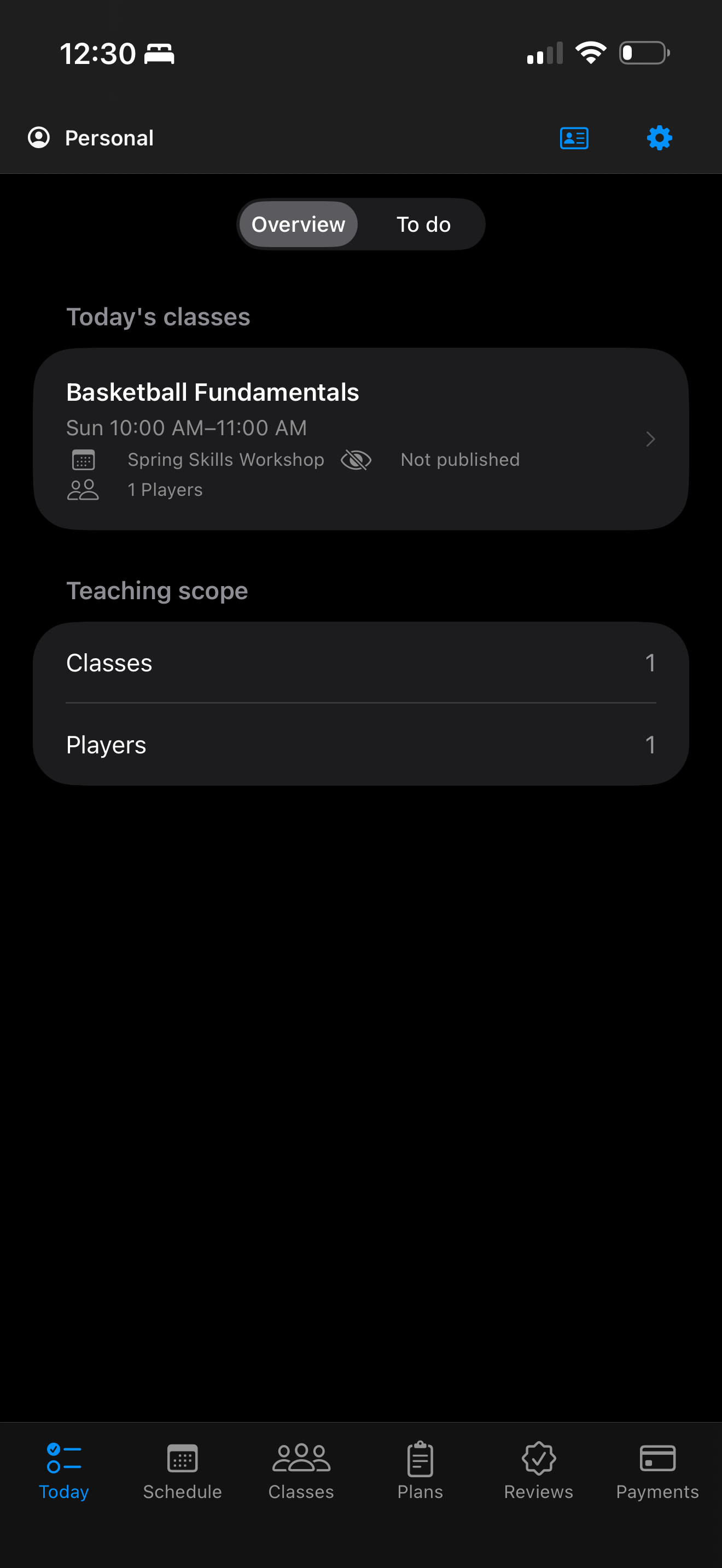
Start with the day ahead.
Today shows your upcoming lessons and shortcuts to your classes. Check what is coming up, then open the class you need.
See your upcoming teaching at a glance.
Open the class you need from Today.
Coach · TodayView full screen ↗
02 / COACH
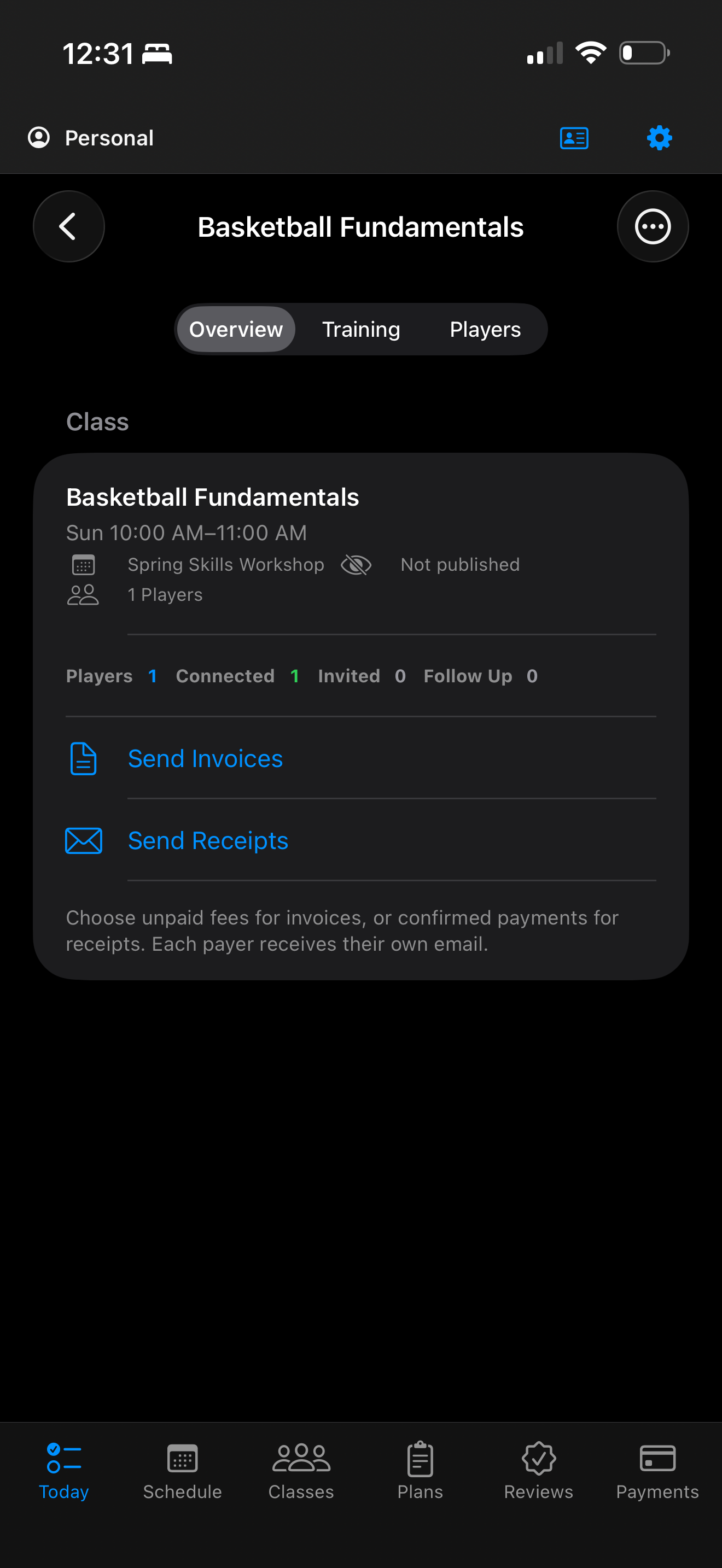
Give every class a home.
Keep a class linked to its term, schedule and player roster. Open its teaching tools from the same place, so planning and reviews stay in the context of the people you coach.
Keep class details and players together.
Move from the class into its teaching tools.
Coach · ClassesView full screen ↗
03 / COACH
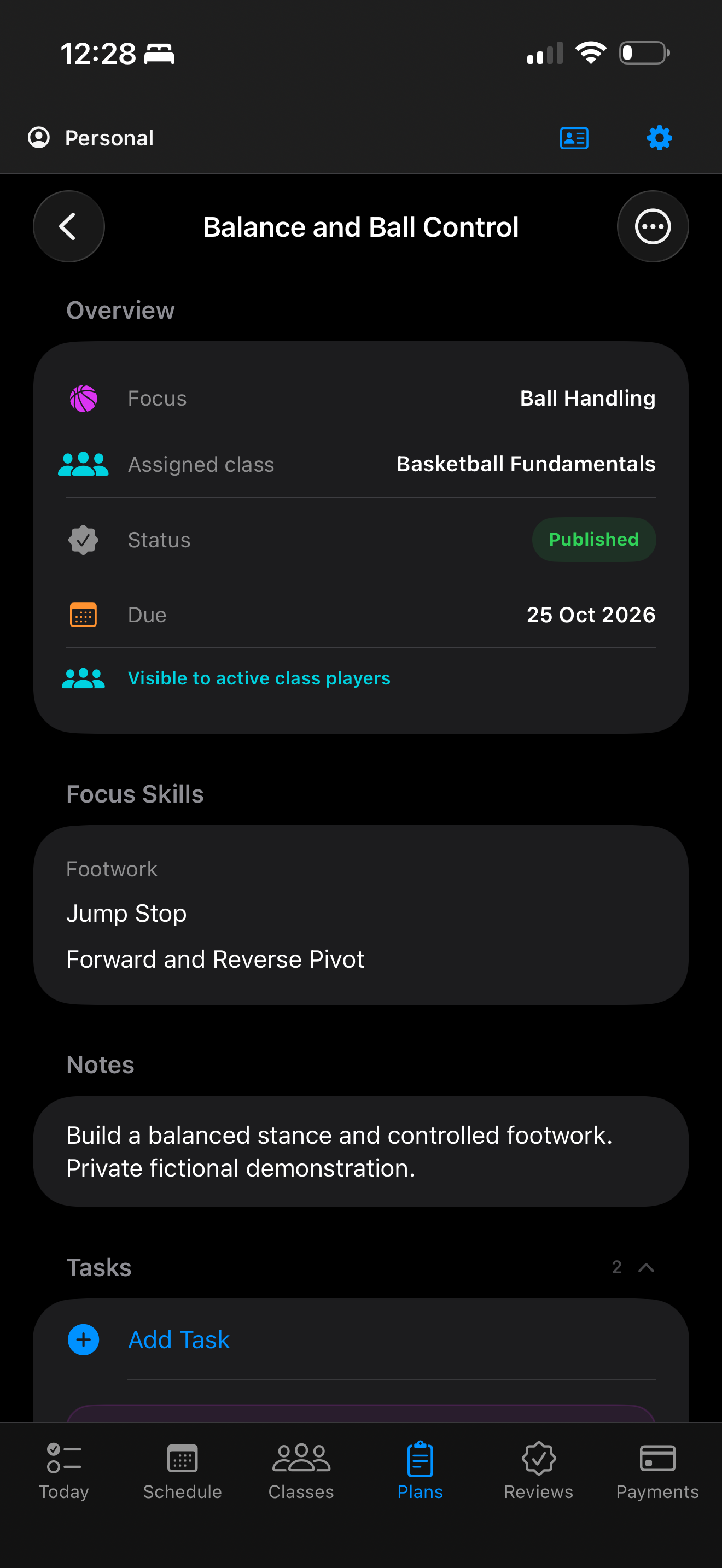
Build a plan with purpose.
Choose the skills you want to develop, add tasks and coaching notes, then publish the plan to its class. Connected players can find the published work in Player and follow the next steps.
Focus skills and tasks give the session structure.
Published plans connect Coach and Player.
Coach · PlansView full screen ↗
YOUR COACHING, AT EVERY SIZE
Work independently. Build a team.
One Coach app, with a clear space for your own teaching and a shared space for your organisation.
PERSONAL
Your classes. Your way.
Run your own teaching with classes, plans and reviews connected to you.
Coach Premium increases Personal workspace capacity and adds multi-class and bulk tools. It does not include an Organisation subscription or staff seats. In-person class fees are separate from app subscriptions.
Where AI file formatting is available, paid Personal access includes a one-time starting allowance and a monthly allowance shared across your Coach profiles. Organization allowances are shared by all members. Annual plans receive their allowance monthly. Unused monthly allowance does not roll over; the remaining starting allowance has no expiry. The same starting allowance is not granted again on renewal, resubscription or a billing-period change.
File size and complexity affect usage, so no fixed number of files is promised. If an allowance is insufficient or AI is unavailable, your open-page draft and saved records remain available, with standard CSV and manual workflows. No automatic extra AI charge is made.
Shown in AUD, billed monthly. Auto-renews unless cancelled. Manage an Apple subscription in your Apple account. Player and Coach Personal app subscriptions are not on sale yet.
A FEW GOOD QUESTIONS
Before you begin.
Is Coach Premium an Organisation plan?
Coach Personal Premium is for an independent coach’s Personal workspace. Coach Organization brings your staff together with shared teaching tools, roles and Starter, Growth or Scale capacity.
Are class fees included?
No. A subscription pays for app features. Coaches set fees for their in-person classes separately; contact your coach about a class payment or refund.